
PDF10x
Private PDF tools for your browser and Android
- Web
- Android

Finance · Android
Private expense tracker and budget planner
Expense Calculator & Budget is a private Android expense tracker with multiple accounts, monthly budgets, charts, CSV export and Google Drive backup.

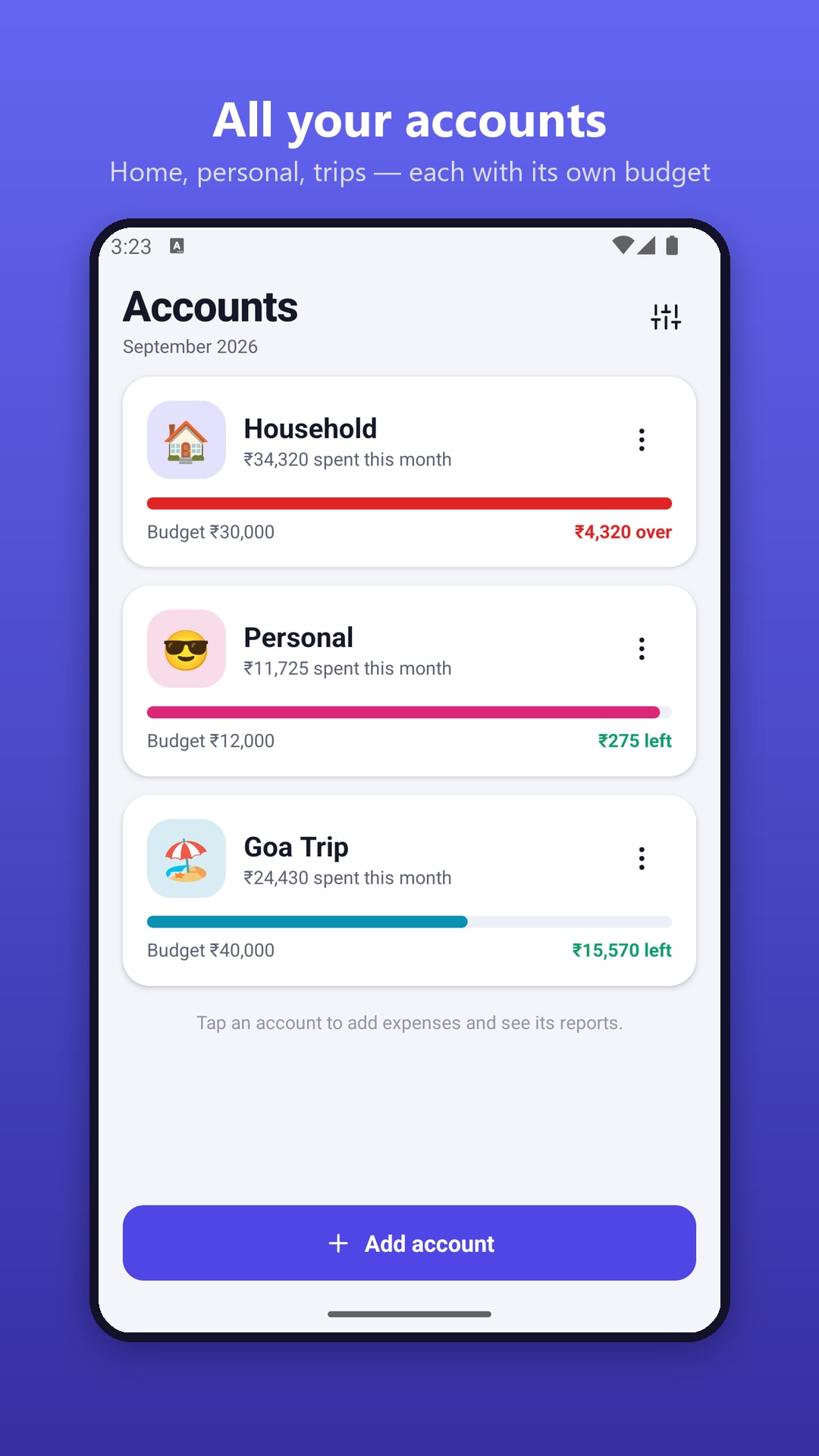


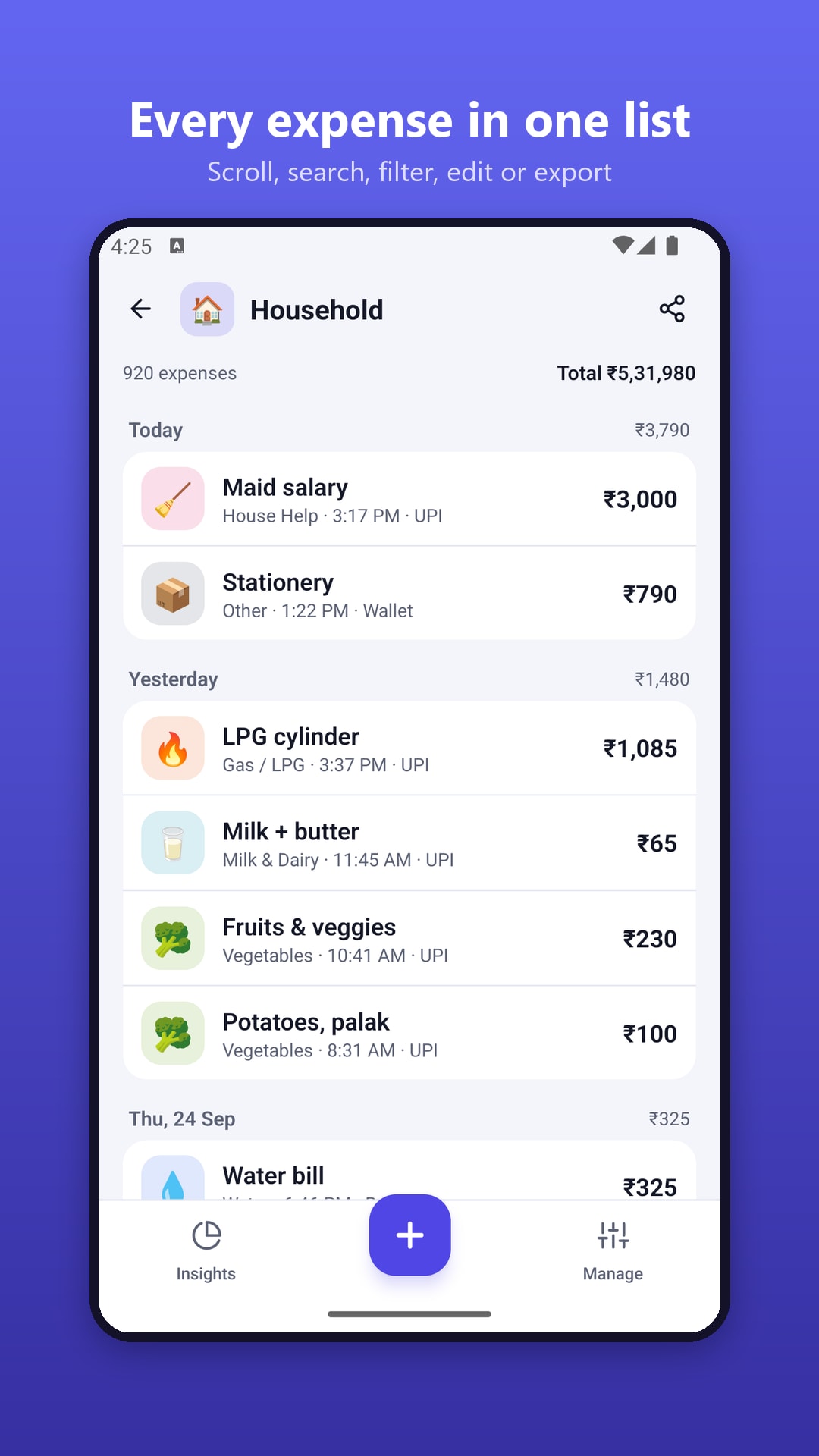
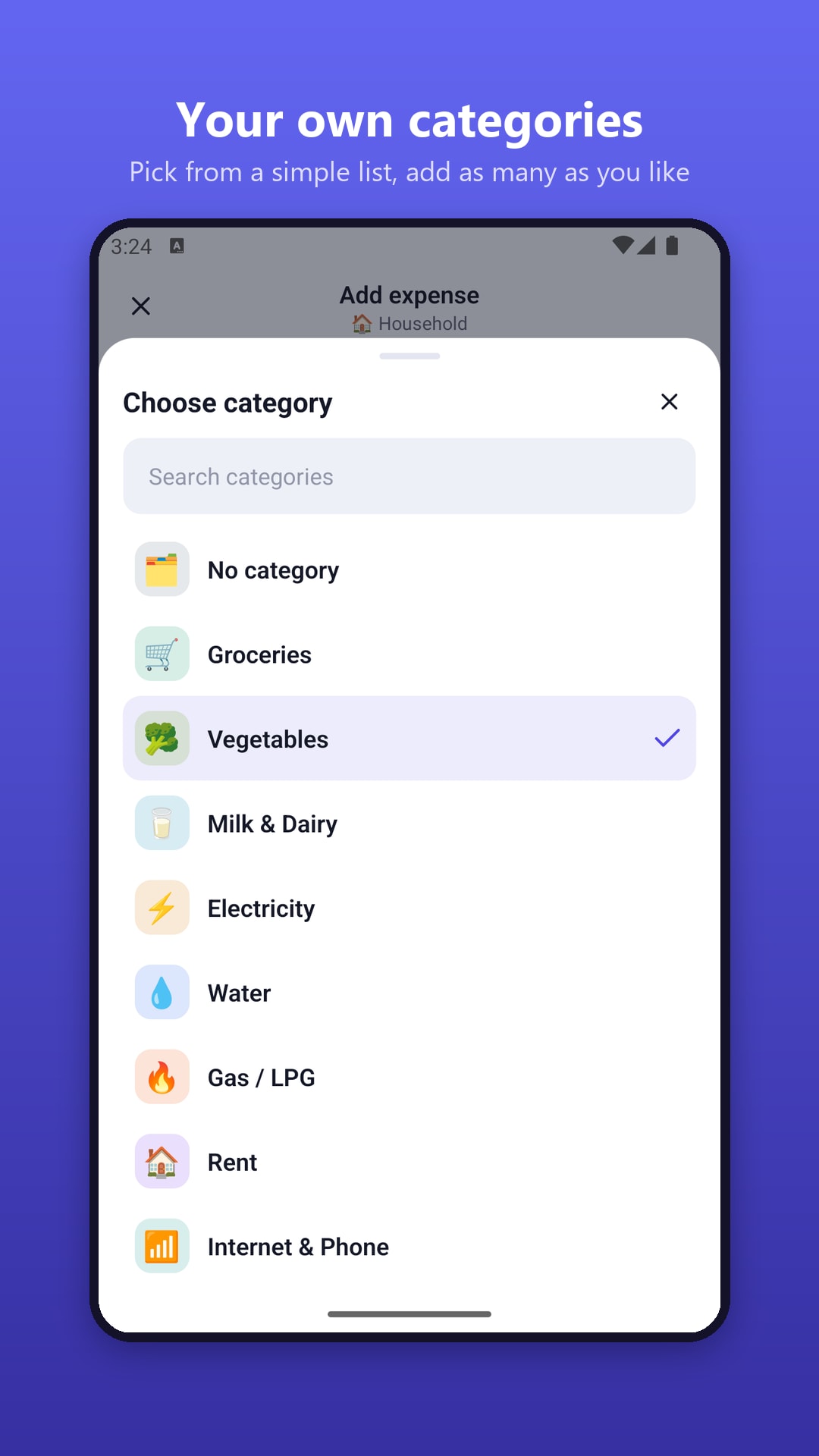
Expense Calculator & Budget is the NowStacks money app for households, students, travellers and small shop owners. Create separate accounts — Household, Personal, Travel, Business or Vehicle — each with its own monthly budget and optional category limits, and always see what you've spent and what's left this month.
Adding an expense takes seconds: type sums like 120+45×2 on the calculator keypad, pick an emoji category and a payment method (Cash, UPI, Card, Bank or Wallet), and attach a bill photo if you like. Recurring expenses such as rent, subscriptions or milk delivery are added automatically.
Weekly, monthly and yearly charts show where your money goes, with a daily allowance and a month-end forecast. Export to CSV for Excel or Google Sheets, import bank statements, back up to Google Drive and lock the app with a PIN. No account or login is required, and 30+ currencies are supported. Planning investments too? TopFreeOnline has free SIP, EMI and FD calculators.
Keep Household, Personal, Travel, Business or Vehicle spending apart, each with its own icon.
A budget per account plus optional category limits, with a daily allowance and month-end forecast.
Type sums like 120+45×2 straight into the amount field and save the result.
Ready-made emoji categories plus Cash, UPI, Card, Bank and Wallet tags.
Automate rent, subscriptions or deliveries and attach receipt photos.
Weekly, monthly and yearly charts, category split and budget vs. spending.
Export to Excel or Google Sheets and import bank-statement CSVs with duplicates skipped.
Full backup and restore, Google Drive backup and an optional PIN lock.
No. There is no sign-up or login, and your expense data is stored on your phone.
Yes. Use full backup and restore, or back up manually or automatically to Google Drive.
Yes. You can import expenses from CSV files, including bank statements and spreadsheets; duplicates are skipped automatically.
Yes. It is free with no in-app purchases; a small ad on the add-expense screen supports development.
No reviews yet — be the first to share your experience with Expense Calculator & Budget.
Private PDF tools for your browser and Android

Scan documents to PDF on your phone

Offline Sudoku with hints that teach