
PDF10x
Private PDF tools for your browser and Android
- Web
- Android

Productivity · Android
Scan documents to PDF on your phone
ScanPro turns your Android phone into a PDF scanner with auto-crop, cleanup filters, on-device OCR, signatures and password-protected export.


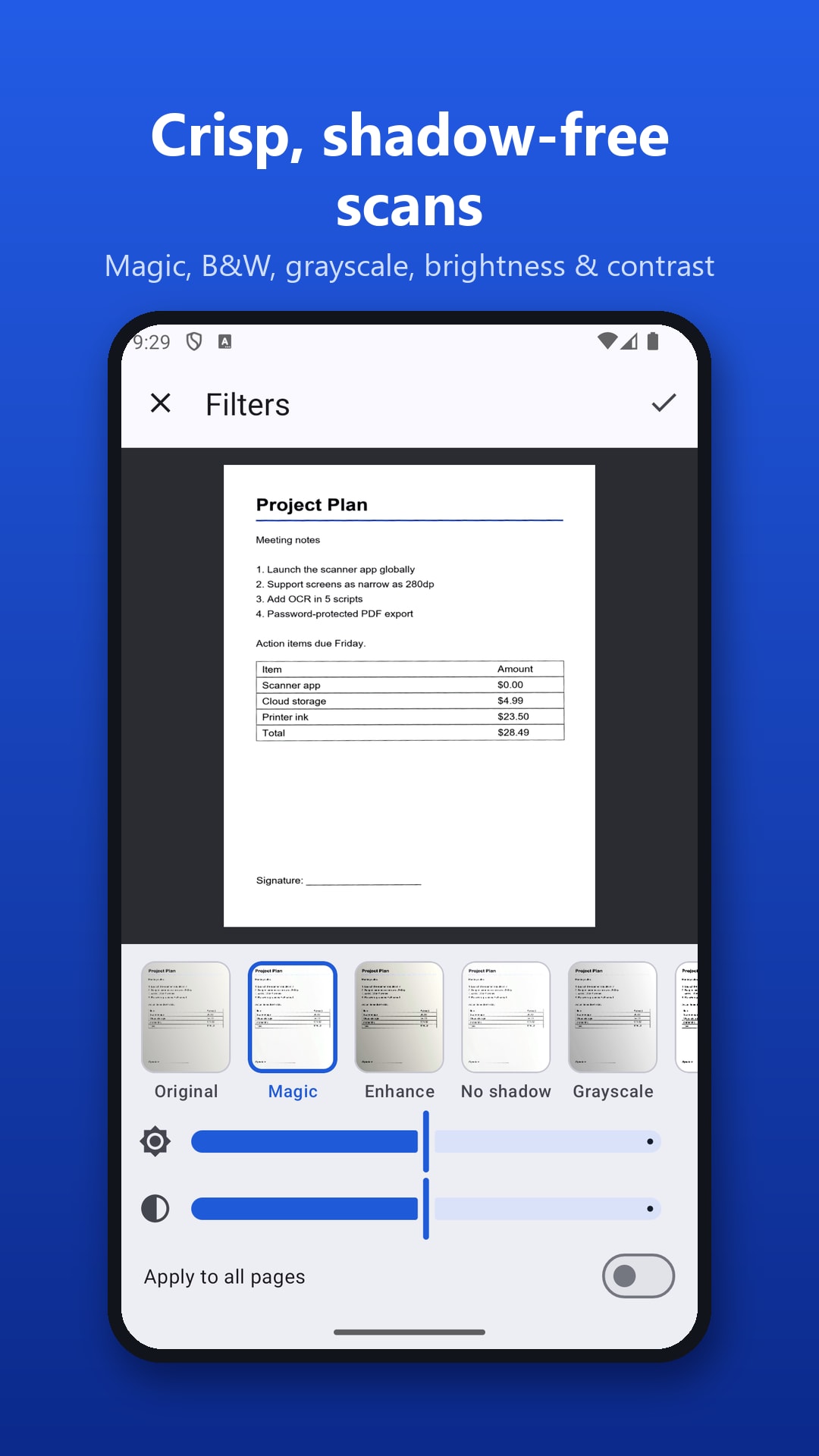

ScanPro: PDF Document Scanner is the NowStacks scanning app for Android. Point your camera at a document, receipt, ID card, notebook or whiteboard and ScanPro finds the page edges automatically, straightens angled shots and cleans the page with Magic, Enhance, No-shadow, Grayscale and Black & White filters.
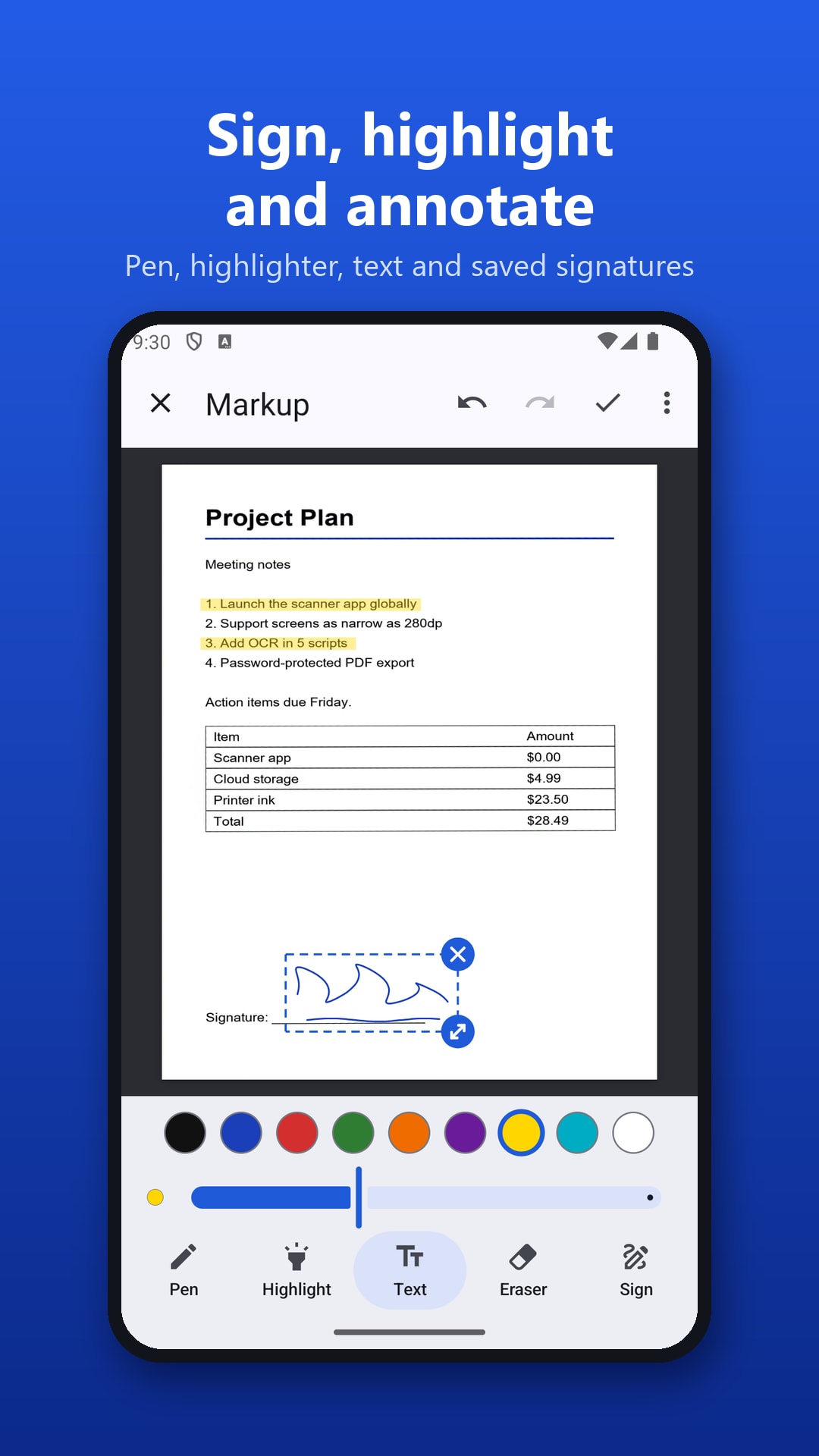
Scans become real documents: add multiple pages, reorder them by drag and drop, sign and annotate with pen, highlighter and text, and extract text on-device with OCR for Latin scripts, Devanagari (Hindi, Marathi), Chinese, Japanese and Korean.
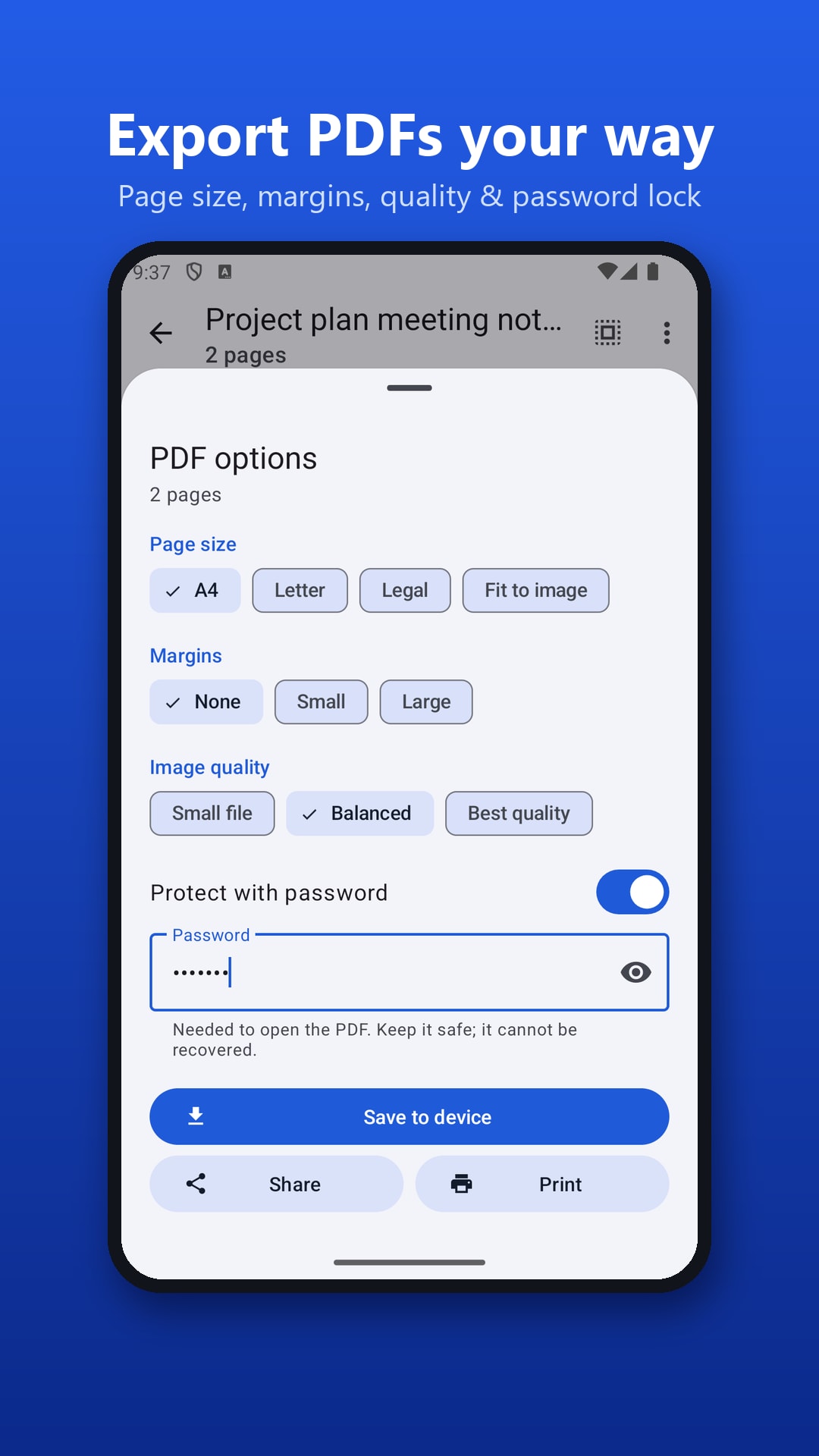
Export PDFs in A4, Letter or Legal size with optional page numbers and AES-256 password protection, or share pages as JPG, text or one long image. Scans are stored only on your phone and no account is needed. ScanPro is free and supported by ads. To merge, compress or edit the PDFs you scan, pair it with PDF10x.
Automatic edge detection and multi-page scanning, plus gallery and PDF import.
Straighten angled photos automatically or drag four corners with a magnifier.
Magic, Enhance, No-shadow, Grayscale and Black & White, with brightness and contrast controls.
Copy, edit or share text from Latin, Devanagari, Chinese, Japanese and Korean scripts.
Save a signature and add pen, highlighter and text notes with undo and redo.
A4, Letter, Legal or fit-to-image PDFs with page numbers and optional AES-256 passwords.
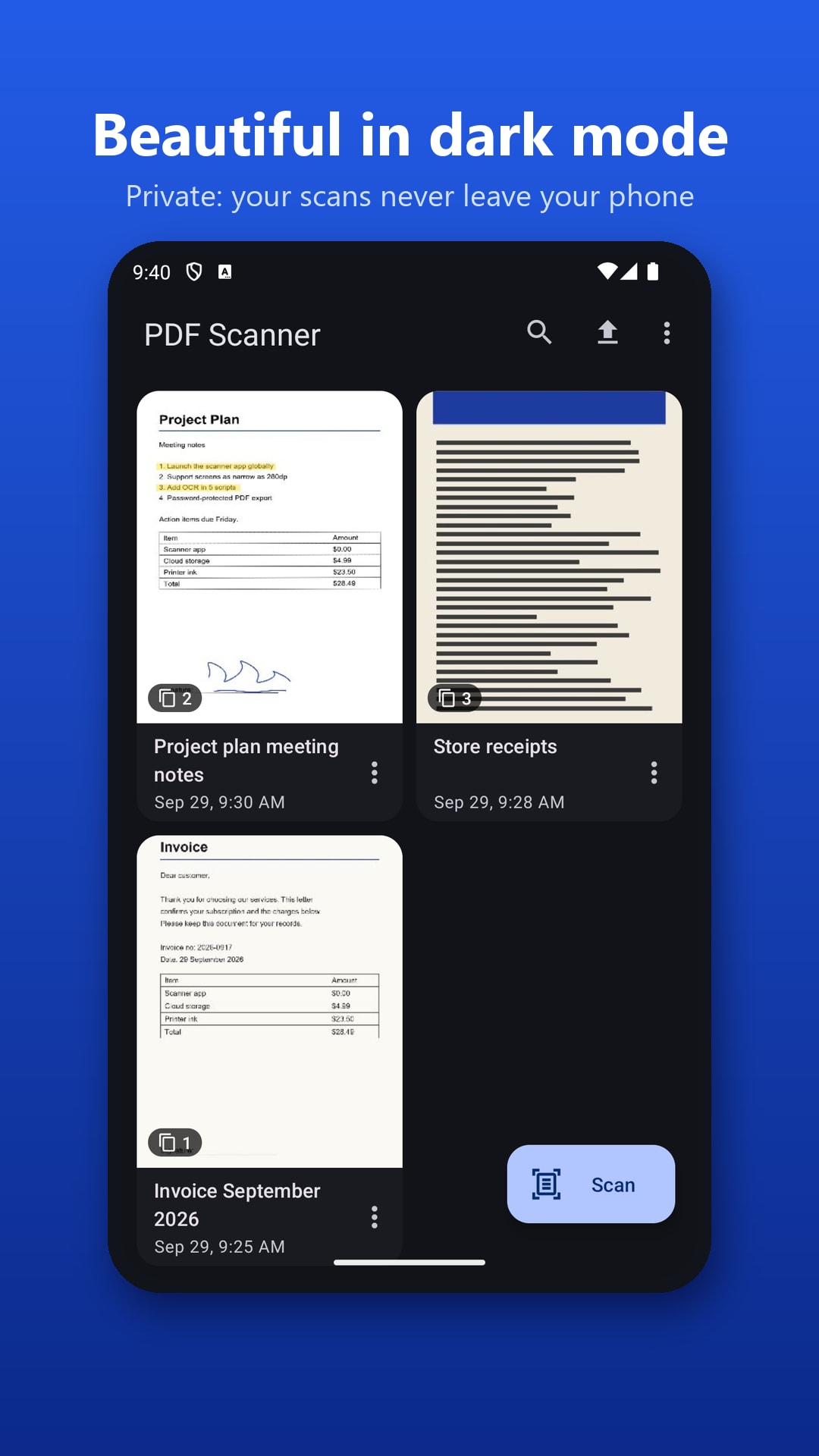
Rename, merge, duplicate, search and sort documents, and reorder pages by drag and drop.
Undo the last photo, show grid lines and retake a page without losing its place.
No. ScanPro stores scans only on your phone, works offline and needs no account.
On-device OCR supports Latin-script languages (English, Spanish, French, German, Portuguese, Indonesian and more), Devanagari (Hindi, Marathi), Chinese, Japanese and Korean.
Yes. Exported PDFs can be protected with AES-256 encryption.
Yes. ScanPro is free with no in-app purchases; it shows ads to support development.
No reviews yet — be the first to share your experience with ScanPro: PDF Document Scanner.
Private PDF tools for your browser and Android

Private expense tracker and budget planner

Offline Sudoku with hints that teach