

ScanPro: PDF Document Scanner
Scan documents to PDF on your phone
- Android

Productivity · Web · Android
Private PDF tools for your browser and Android
PDF10x lets you merge, split, compress, convert, sign and protect PDFs free — in your browser or on Android — without uploading your files anywhere.
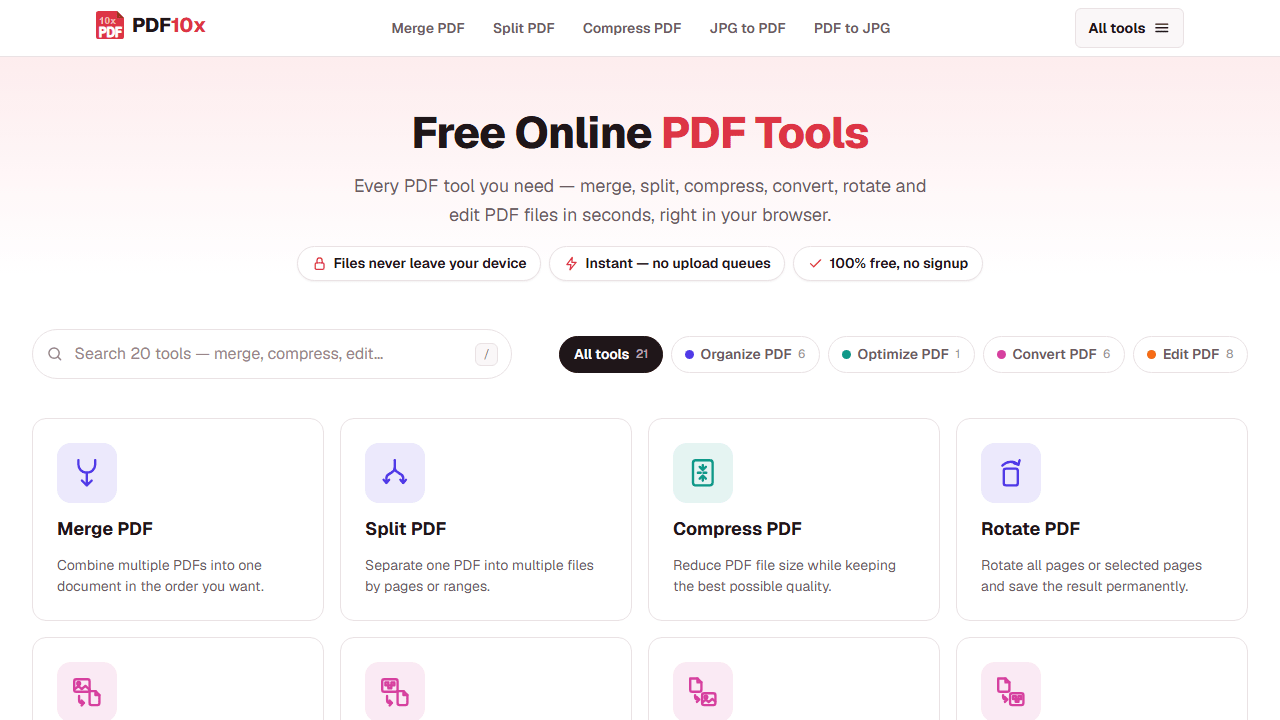


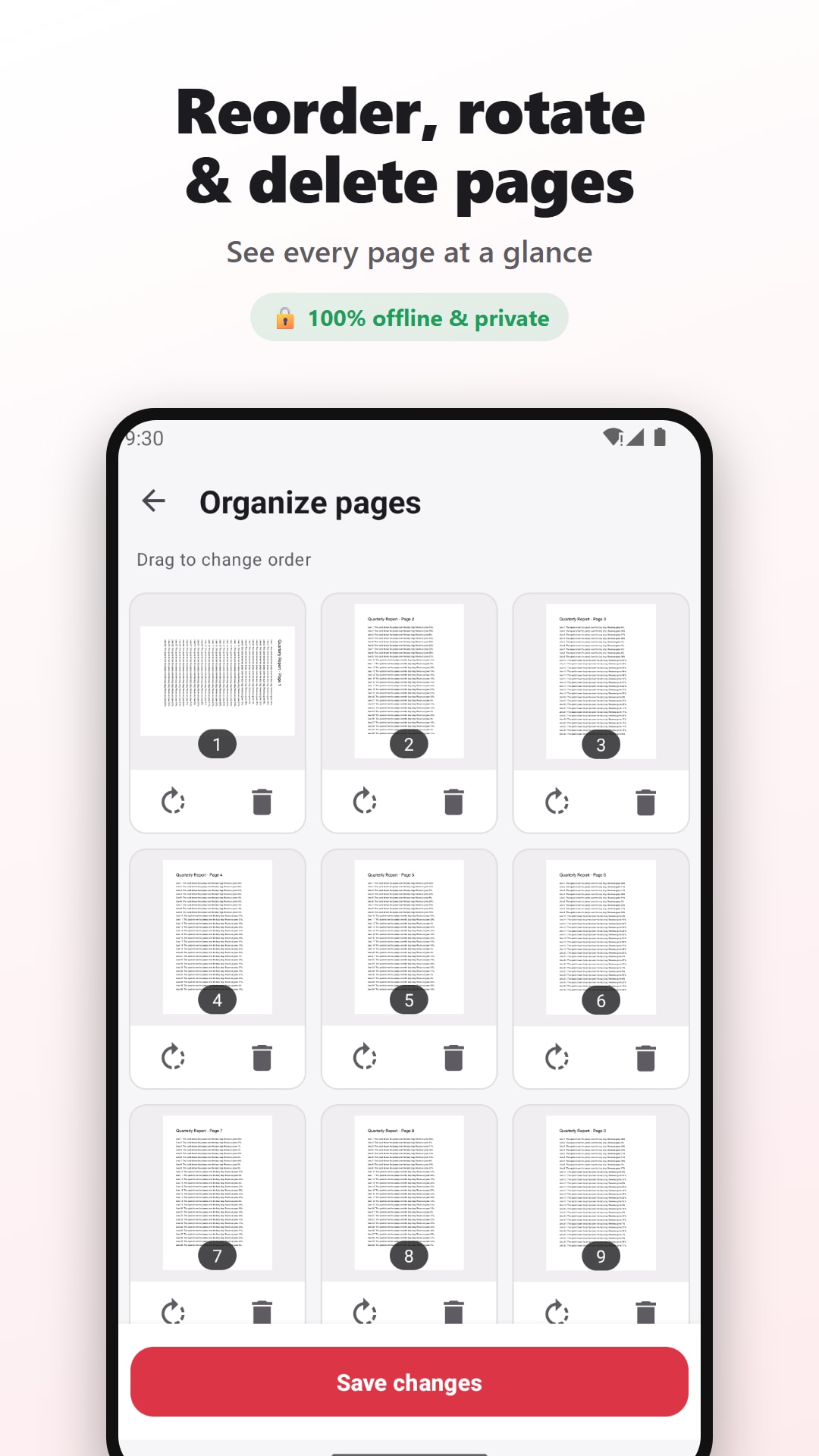

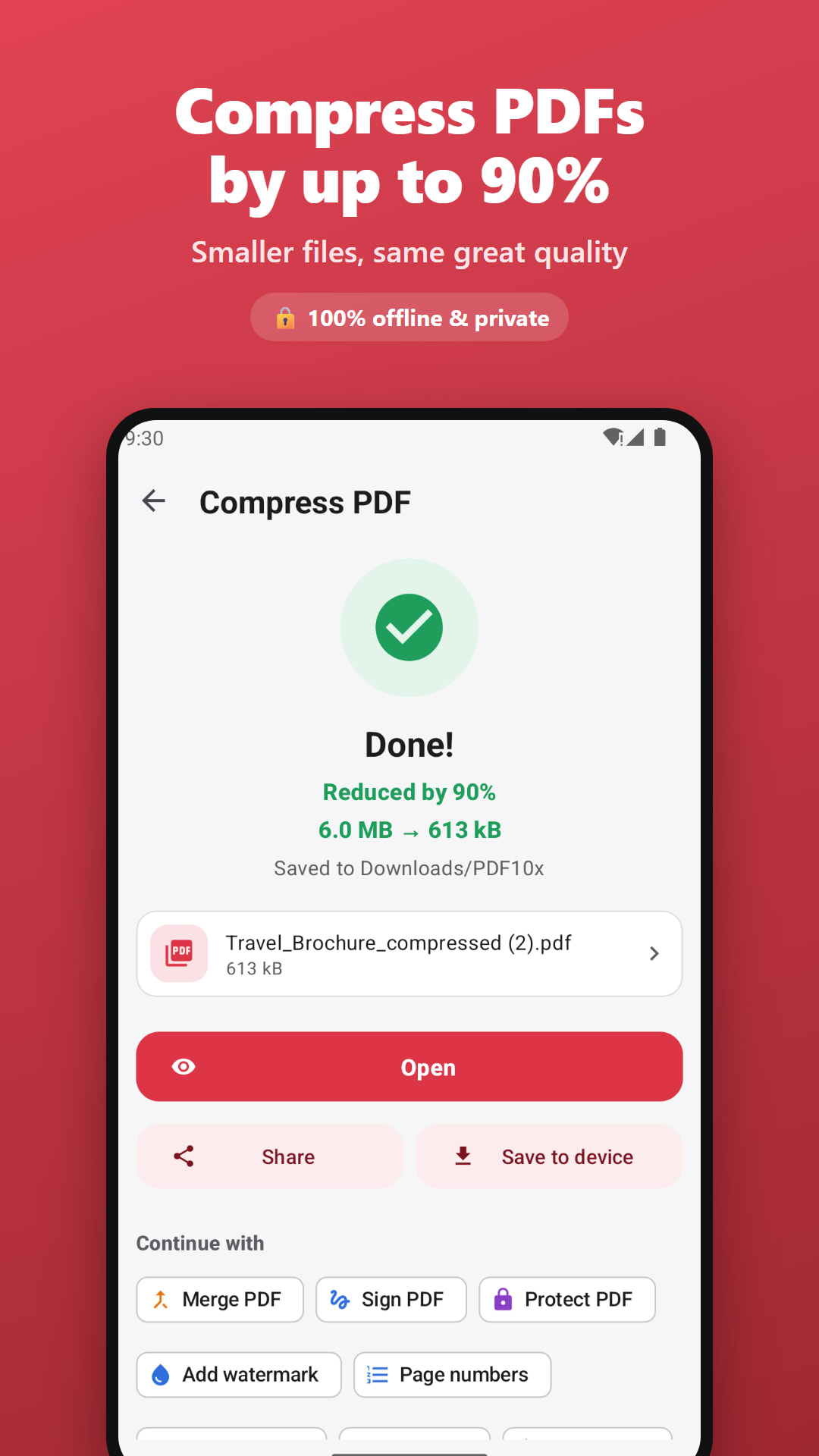

PDF10x is the NowStacks PDF toolkit, built around one promise: your documents stay on your device. On the web, 21 tools run entirely in your browser using WebAssembly, so files are never uploaded to a server and there is no queue, sign-up, watermark or daily limit.
The web app covers the everyday jobs — merge, split, rotate and reorder pages, compress, convert between PDF and images — plus advanced tools that are usually paid elsewhere: OCR in 50+ languages, real text editing, e-signatures, watermark removal and AES-256 password protection.
The free PDF10x Android app brings 25 tools to your phone and works fully offline — it does not even request internet permission. Merge, split, compress, sign, watermark, number, crop, protect and unlock PDFs, convert images and text, and read documents in the built-in viewer, with no ads, accounts or watermarks. Need to digitise paper first? Scan it with ScanPro.
Web tools run in your browser and the Android app works offline, so files never leave your device.
Merge, split, rotate, reorder, extract or delete pages with visual thumbnails.
Shrink large, image-heavy PDFs with quality presets that never make the file bigger.
JPG/PNG to PDF, PDF to images, scan to PDF and PDF to text.
Make scanned documents searchable on the web and export them to Word or text.
Retype existing text on the web, and add signatures, watermarks, page numbers and crops anywhere.
Add AES-256 password protection or remove a password you know.
No sign-up, no limits and no watermarks on web or Android.
No. On pdf10x.com every tool runs in your browser, and the Android app has no internet permission, so documents are processed only on your device.
Yes. Both the web app and the Android app are free, with no sign-up, no watermarks and no locked premium features.
The website has 21 tools including OCR and full text editing; the Android app has 25 offline tools including repair, PDF-to-text and a built-in PDF reader. Use whichever fits the device you're on.
Yes, on the web. The Edit PDF tool lets you retype or delete text while matching the original font, size and colour.
The Android app works completely offline. The web app needs a connection to load, then processes files locally in your browser.
No reviews yet — be the first to share your experience with PDF10x.
Scan documents to PDF on your phone

Typing tests, exam practice and Hindi typing

Learn touch typing and ace typing exams