

PDF10x
Private PDF tools for your browser and Android
- Web
- Android

Tools · Android
Screen recorder with audio, pause and a pen
NowCap records your Android screen with device audio, your microphone or both, pauses and resumes into one file, and lets you draw on the screen while recording. No ads, no watermark, no sign-in; recordings stay on your phone.
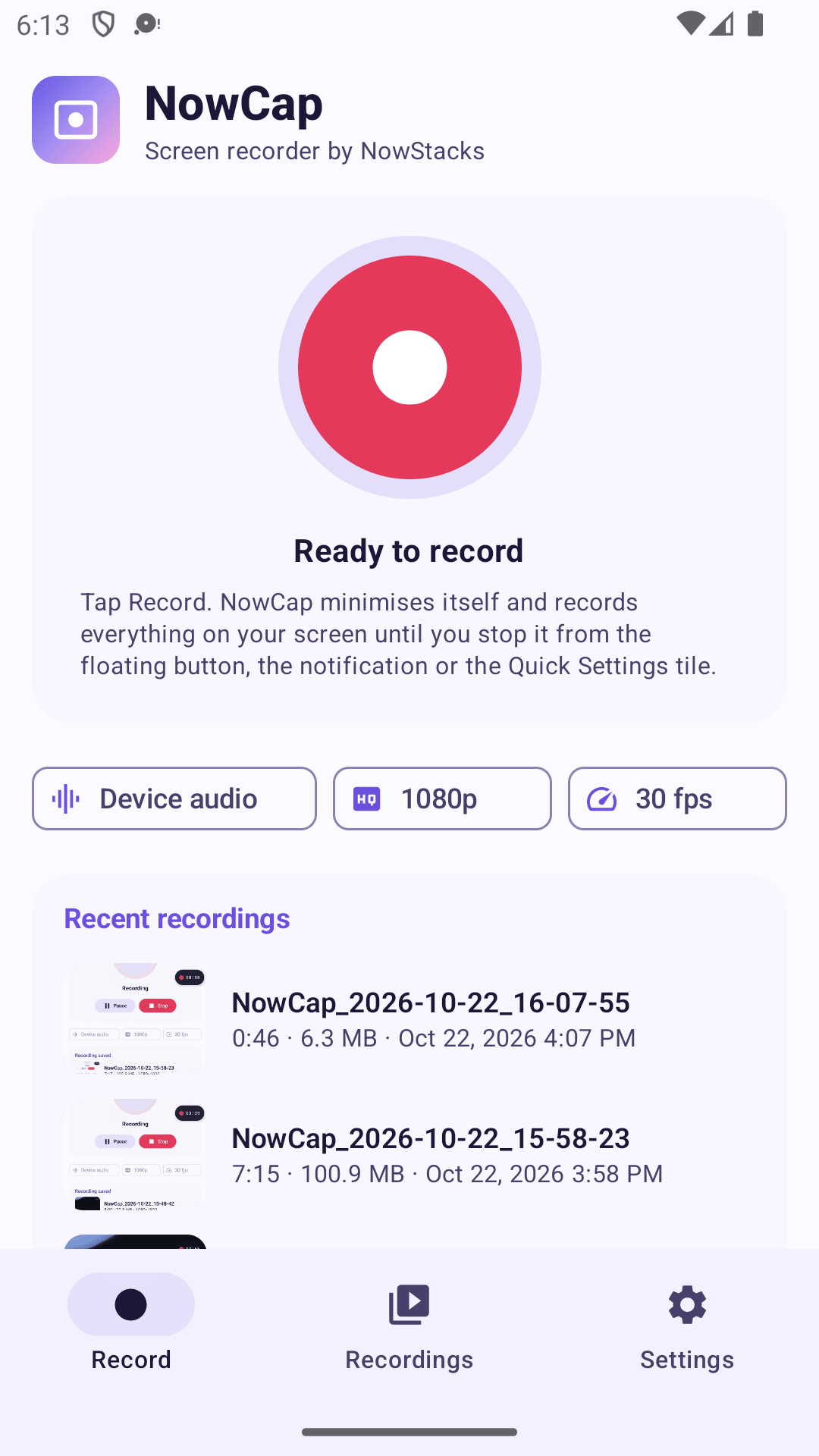
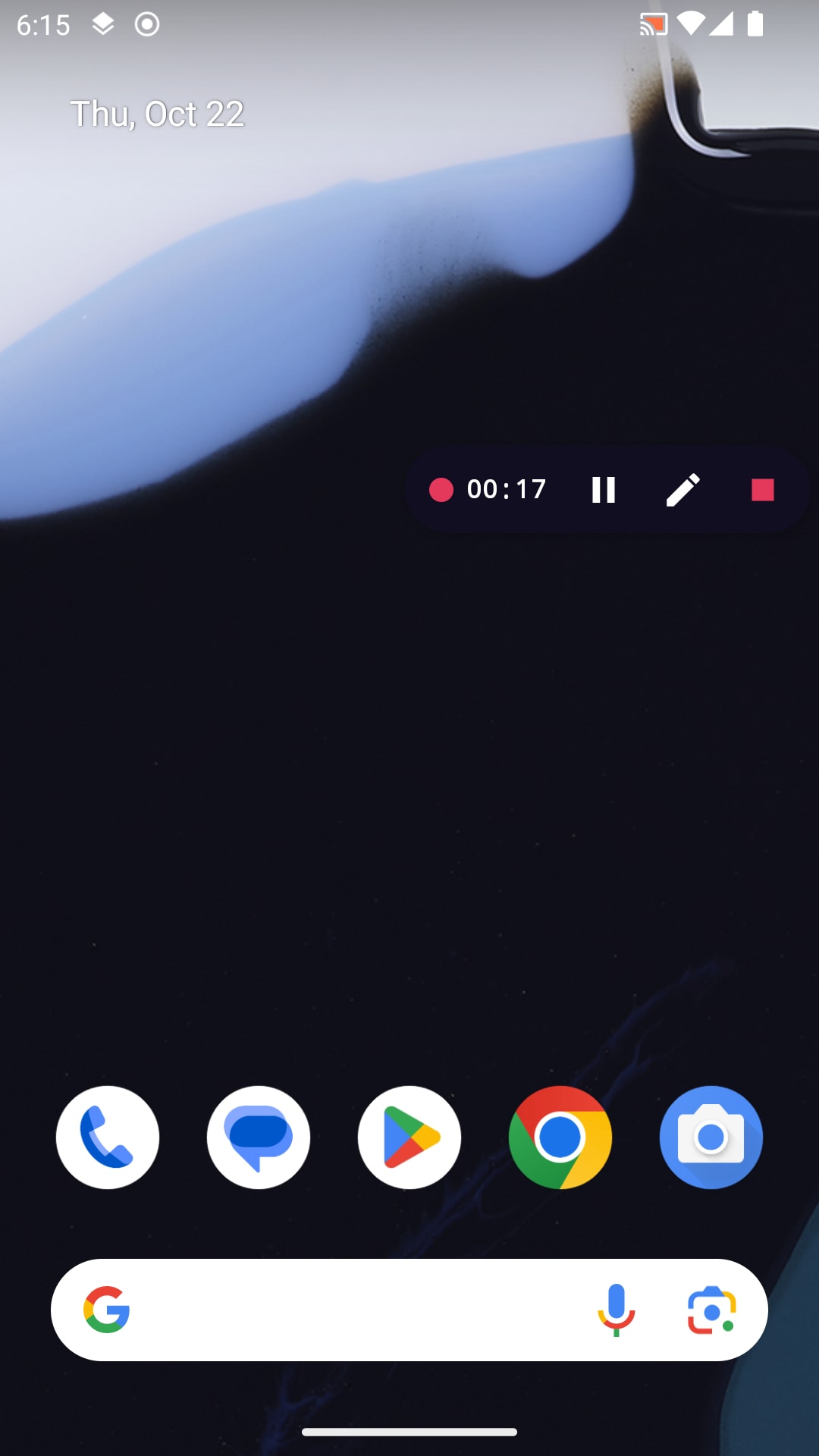
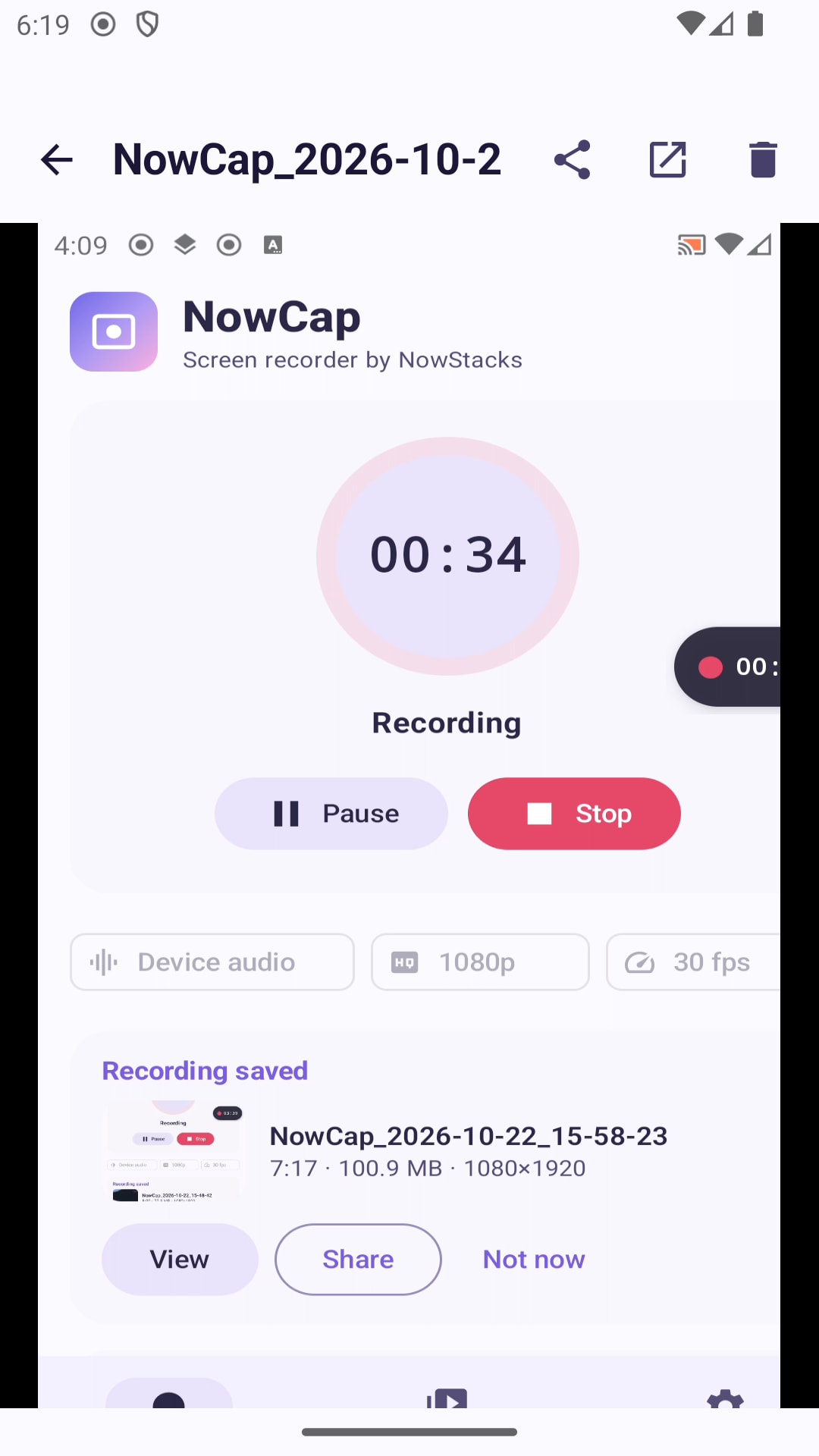
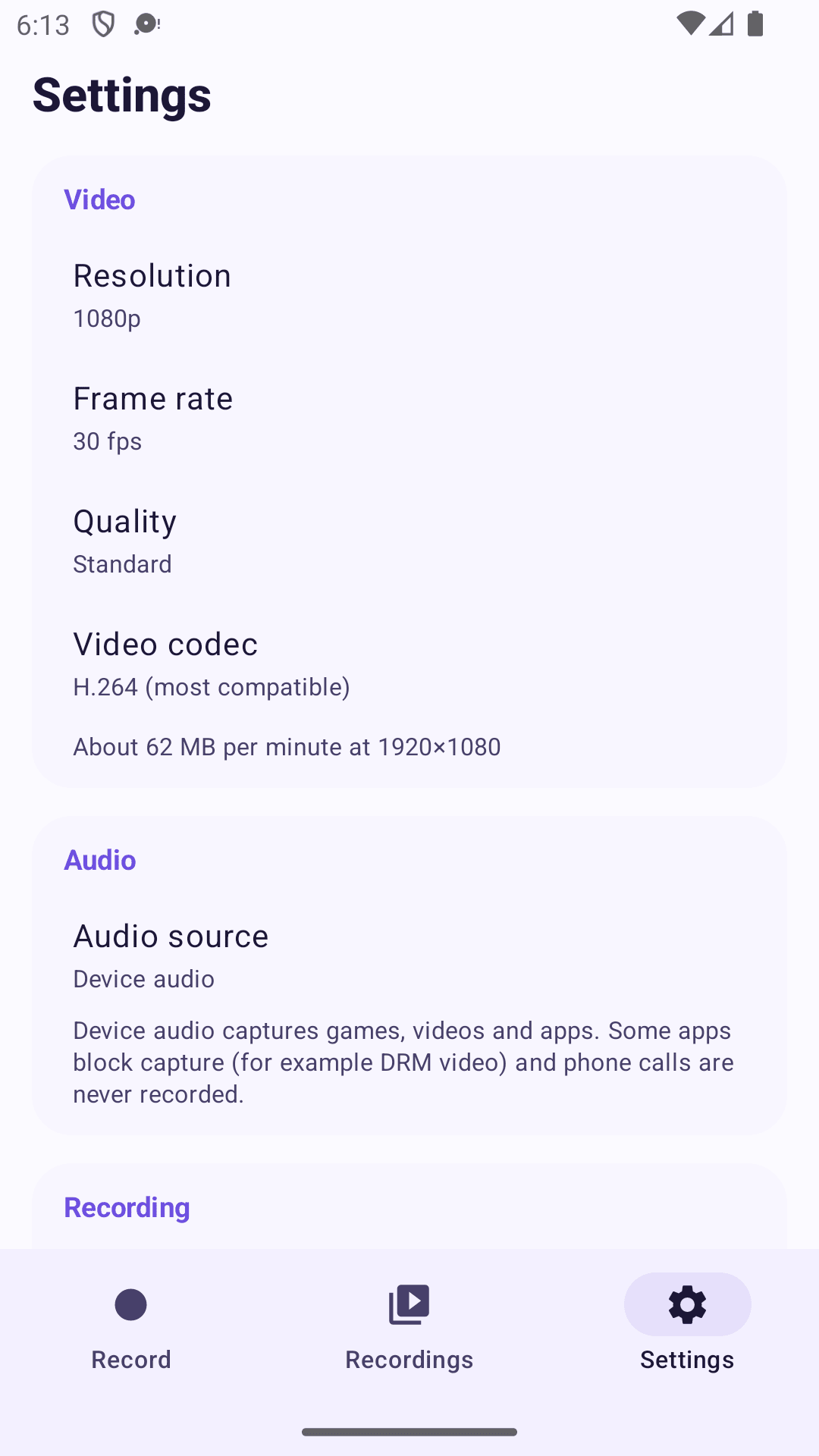
NowCap is a screen recorder for Android 10 and newer from NowStacks. Tap Record, grant Android's screen-capture permission and NowCap steps out of the way: a small floating bubble shows the timer and gives you pause, the pen and stop, and the same controls live in the notification and a Quick Settings tile.
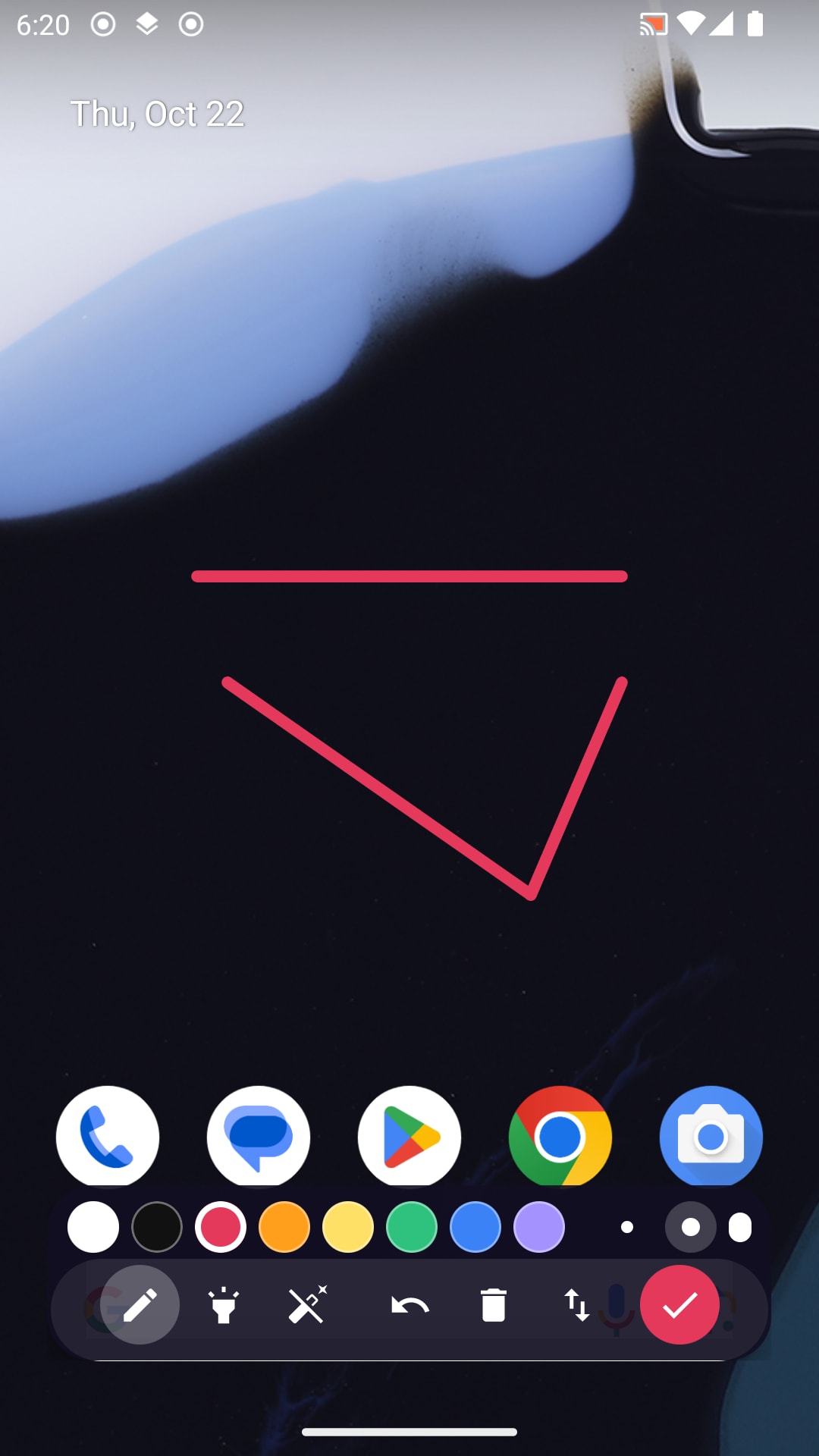
Audio is your choice for every recording: device audio (games, videos, apps), your microphone, both mixed together, or silence. Pause as often as you like and the result is still one clean MP4. Open the pen to write, underline or circle anything on screen while you record — ideal for tutorials, classes and app walkthroughs.
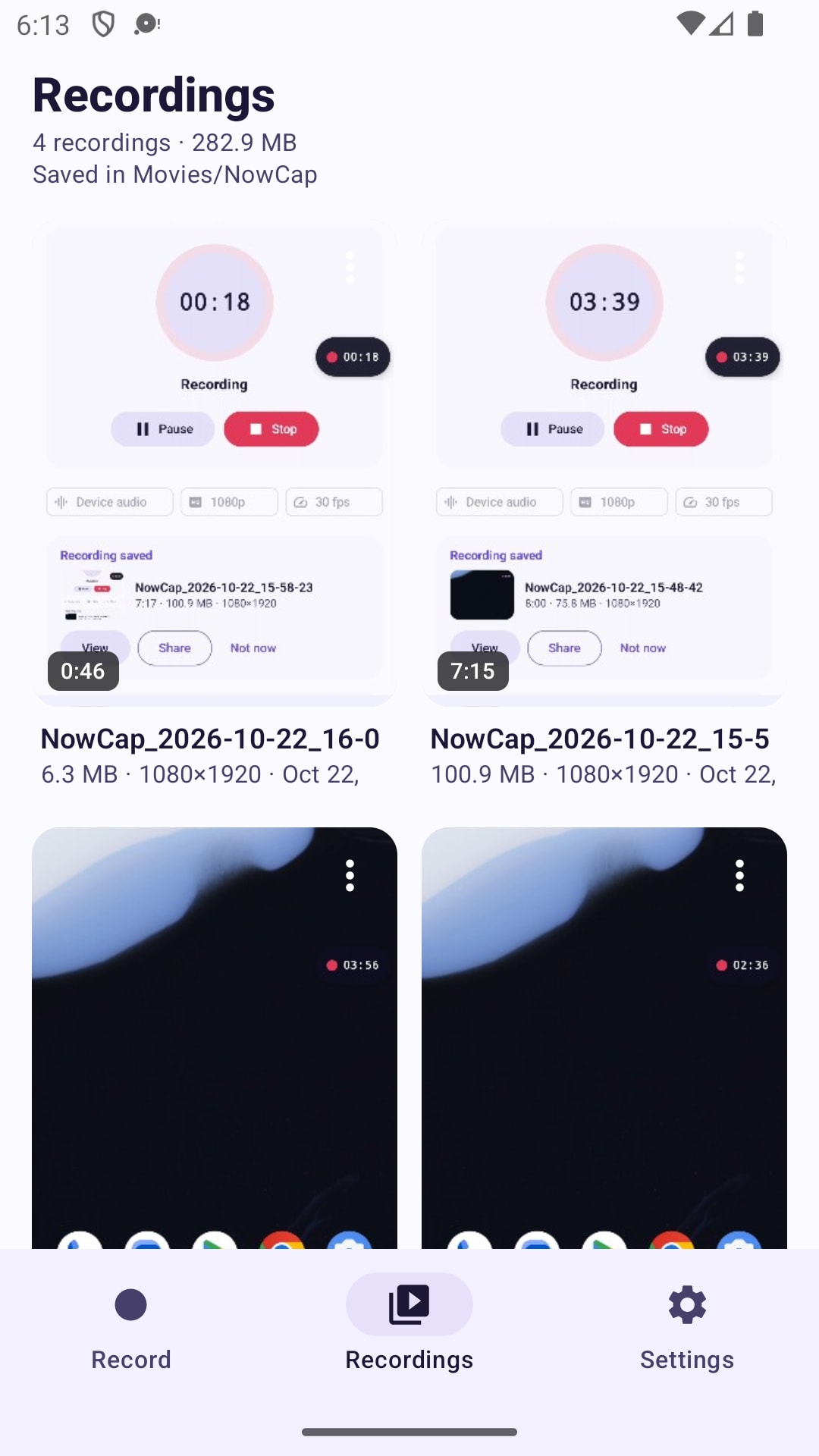
Pick native, 1080p, 720p or 480p, 24 to 60 fps, three quality levels and H.264 or HEVC, and see the estimated file size per minute before you start. Recordings are saved to Movies/NowCap and appear in the app's library with thumbnails, where you can trim a copy, rename, share or delete them. Nothing is uploaded: the app only contacts nowstacks.com to check for updates and to send feedback or crash reports when you choose to. Available in English and Hindi.
Capture game and app sound, your voice, or both mixed into one track.
Pause any number of times; the paused time is cut out and you get one video.
A pen overlay with 8 colours, highlighter, eraser, undo and clear, captured in the video.
Control the recording from a draggable bubble, the notification or a Quick Settings tile.
Native to 480p, 24–60 fps, three quality levels, H.264 or HEVC, with a size estimate.
Thumbnails, in-app player, trim to a new copy, rename, share and delete.
Free, with no watermark, no time limit, no account and no in-app purchases.
Recordings never leave your phone; only optional feedback and crash reports reach NowStacks.
Yes, on Android 10 and newer. Some apps block audio capture of their content (for example DRM video); NowCap tells you when that happened.
No. Recordings are clean and their length is limited only by your free storage.
Yes. Tap the pen in the floating bubble; your strokes are part of the video.
In Movies/NowCap on your phone, visible in your gallery and in the app's Recordings tab.
No reviews yet — be the first to share your experience with NowCap.
Private PDF tools for your browser and Android

Scan documents to PDF on your phone

Private expense tracker and budget planner